Walkthrough · Storytablet Nightstand
One evening with Storytablet
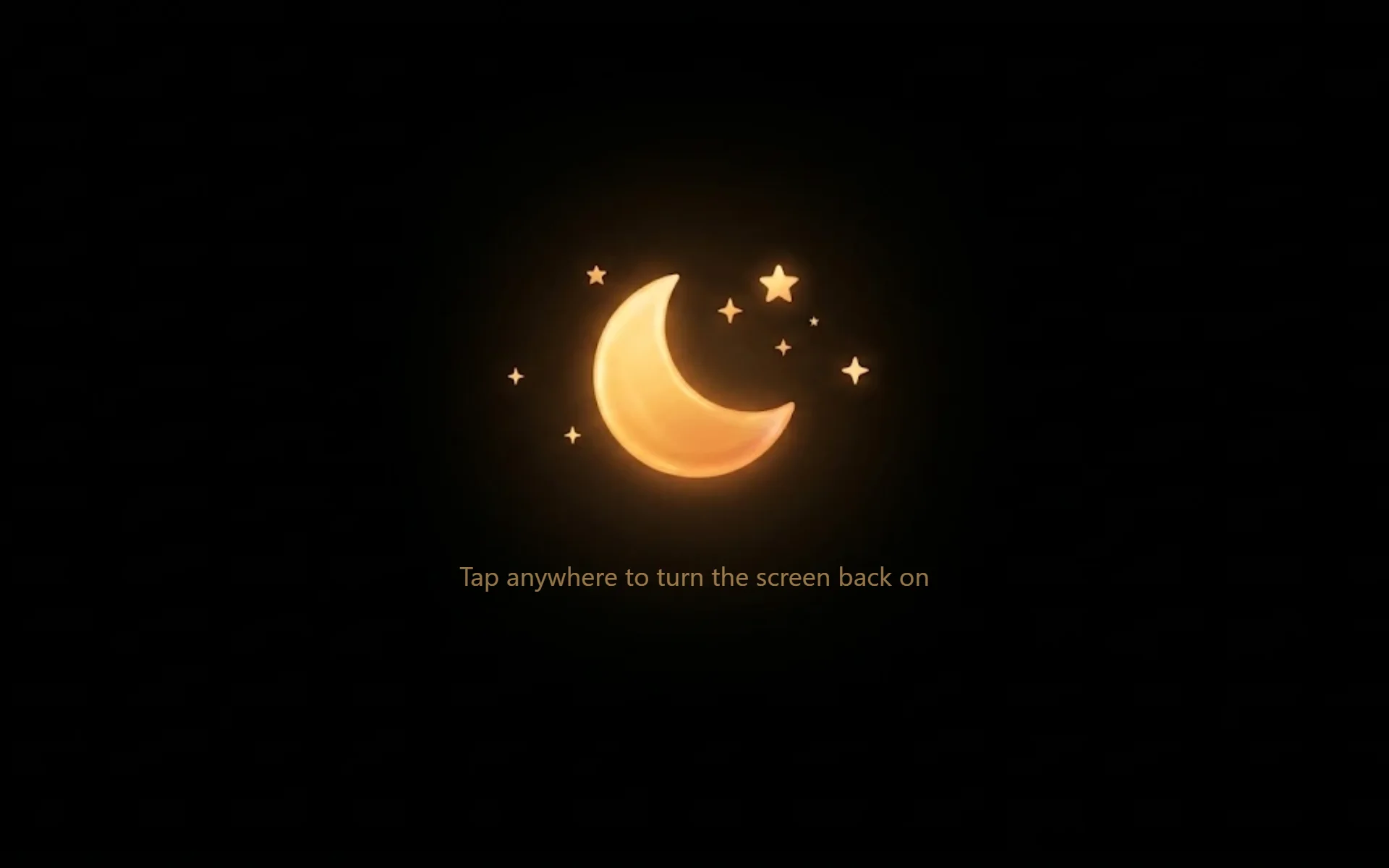
Follow a typical bedtime, from choosing a story to the screen going dark.

Step 1 of 8 Home
A library that's ready when you are
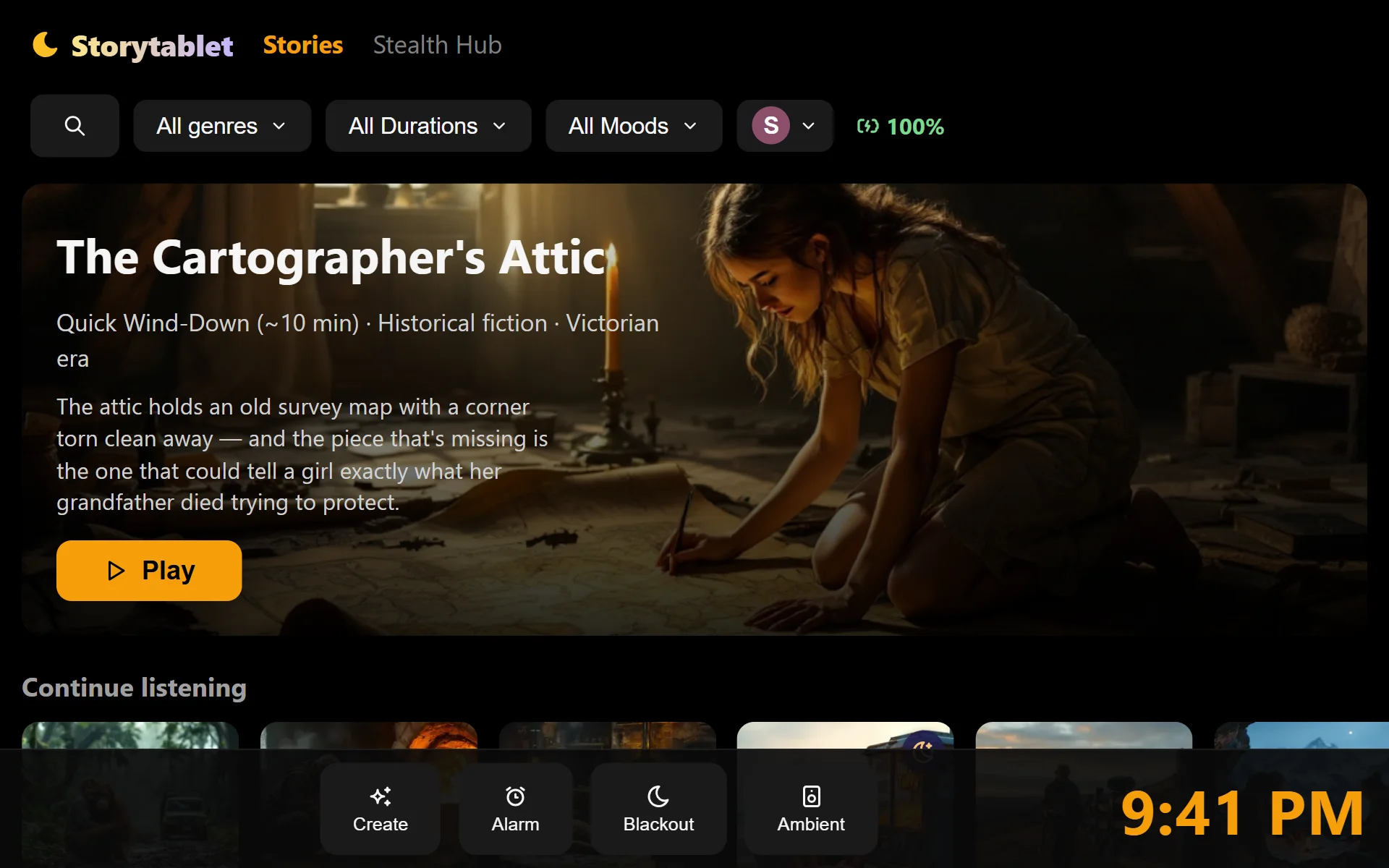
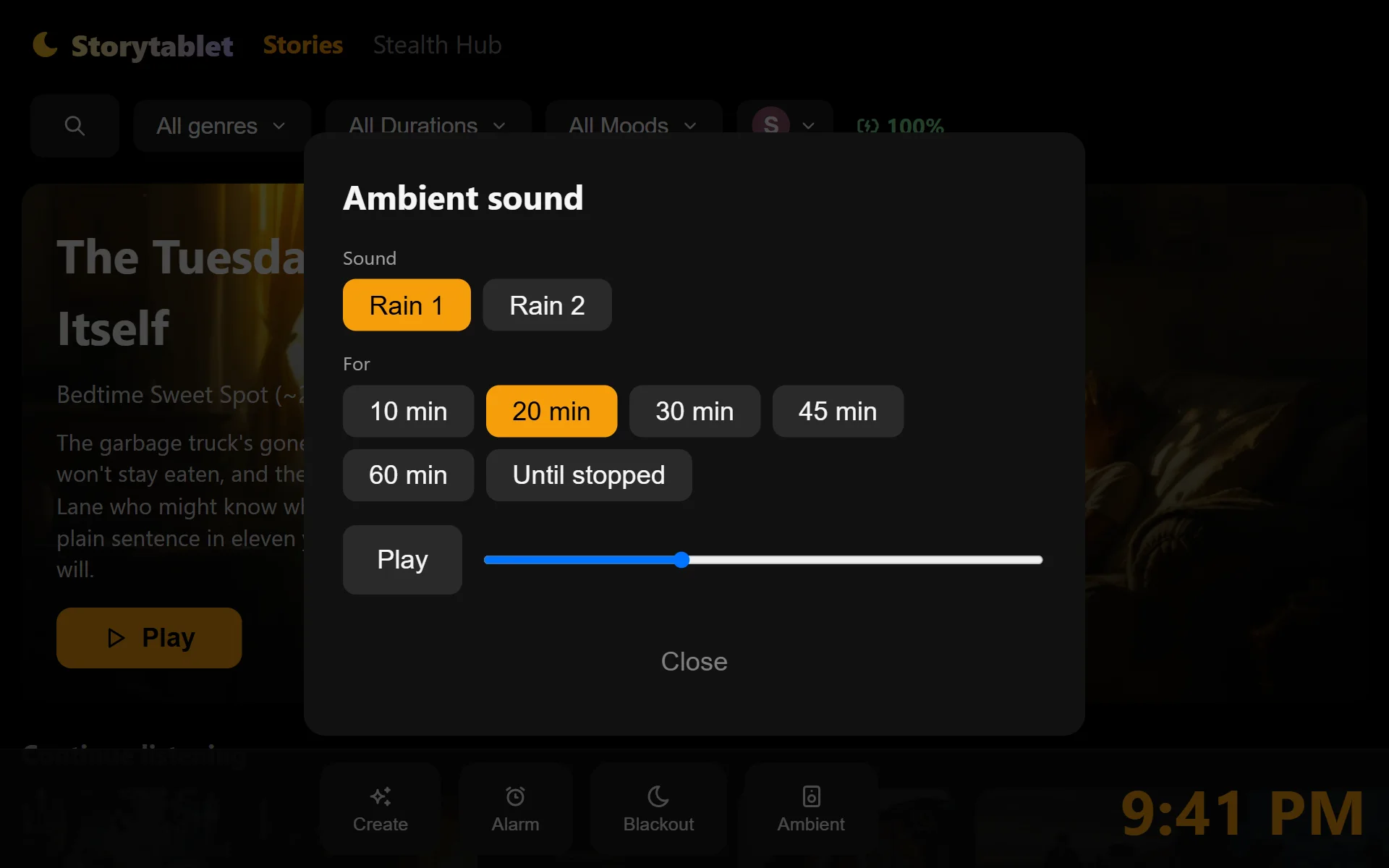
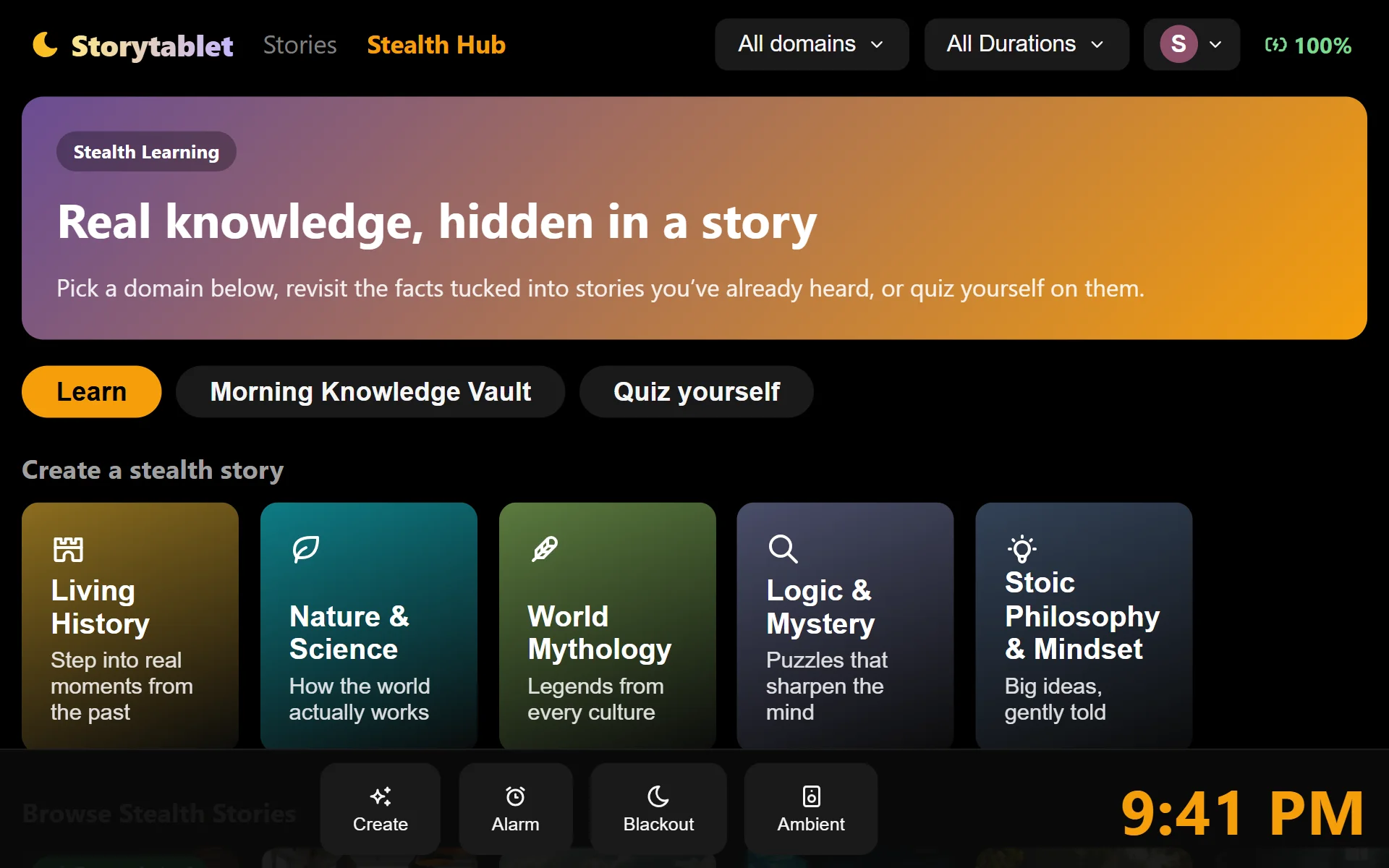
Your bedside library opens on a featured story, with everything you've started waiting underneath under Continue listening.
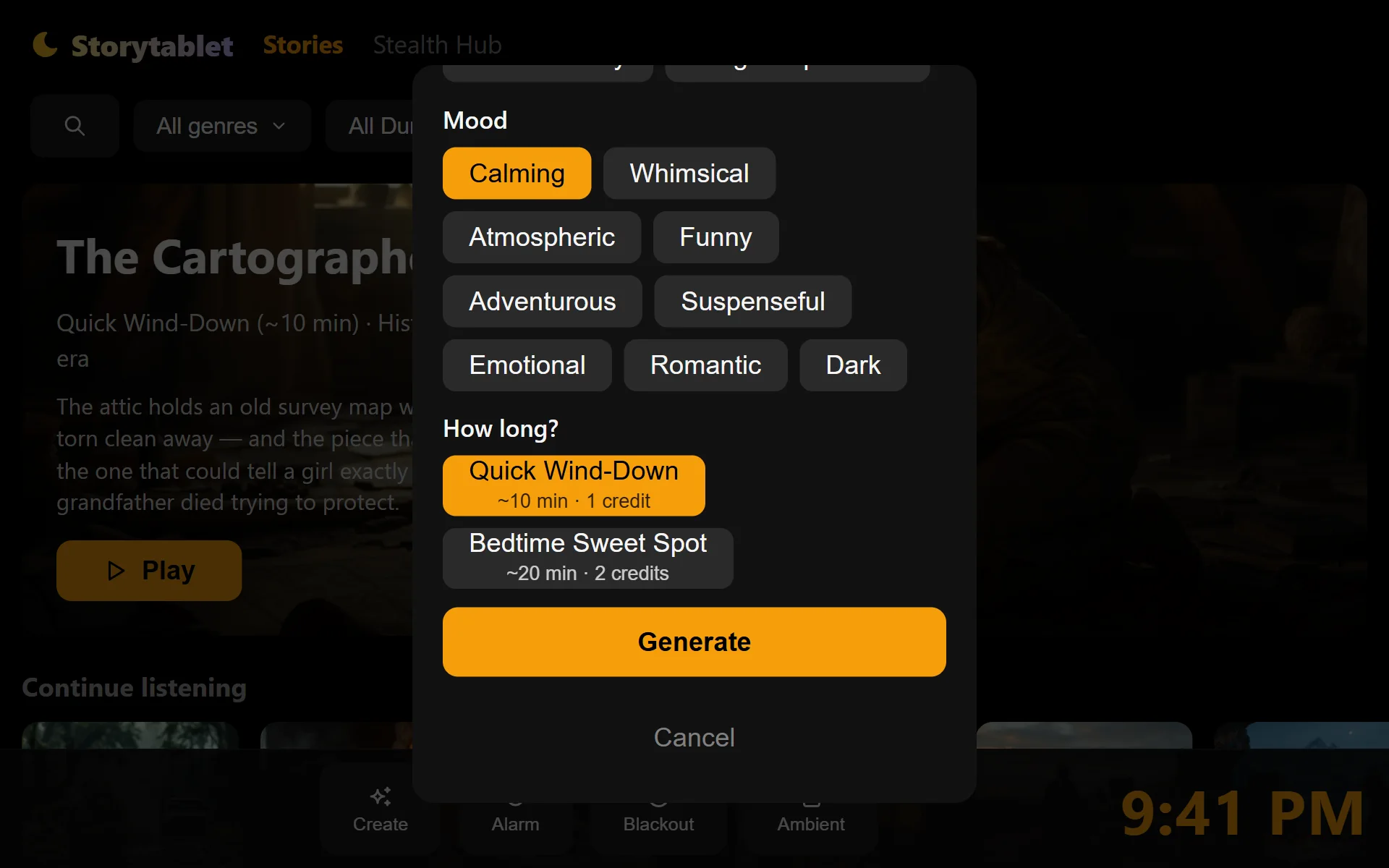
Narrow things down by genre, length or mood, or search for a title. Big, high-contrast buttons mean it's easy to use half asleep.
These are real screens from the Storytablet app, with sample stories. Profile names are examples. Arrow keys work too.
Ready for your bedtime?
Choose Storytablet Nightstand and it ships straight to your door.