Walkthrough · Storytablet Go
One bedtime on the Storytablet Go
Follow a child's evening, from choosing a story to the screen going black.


Step 1 of 6 Profiles
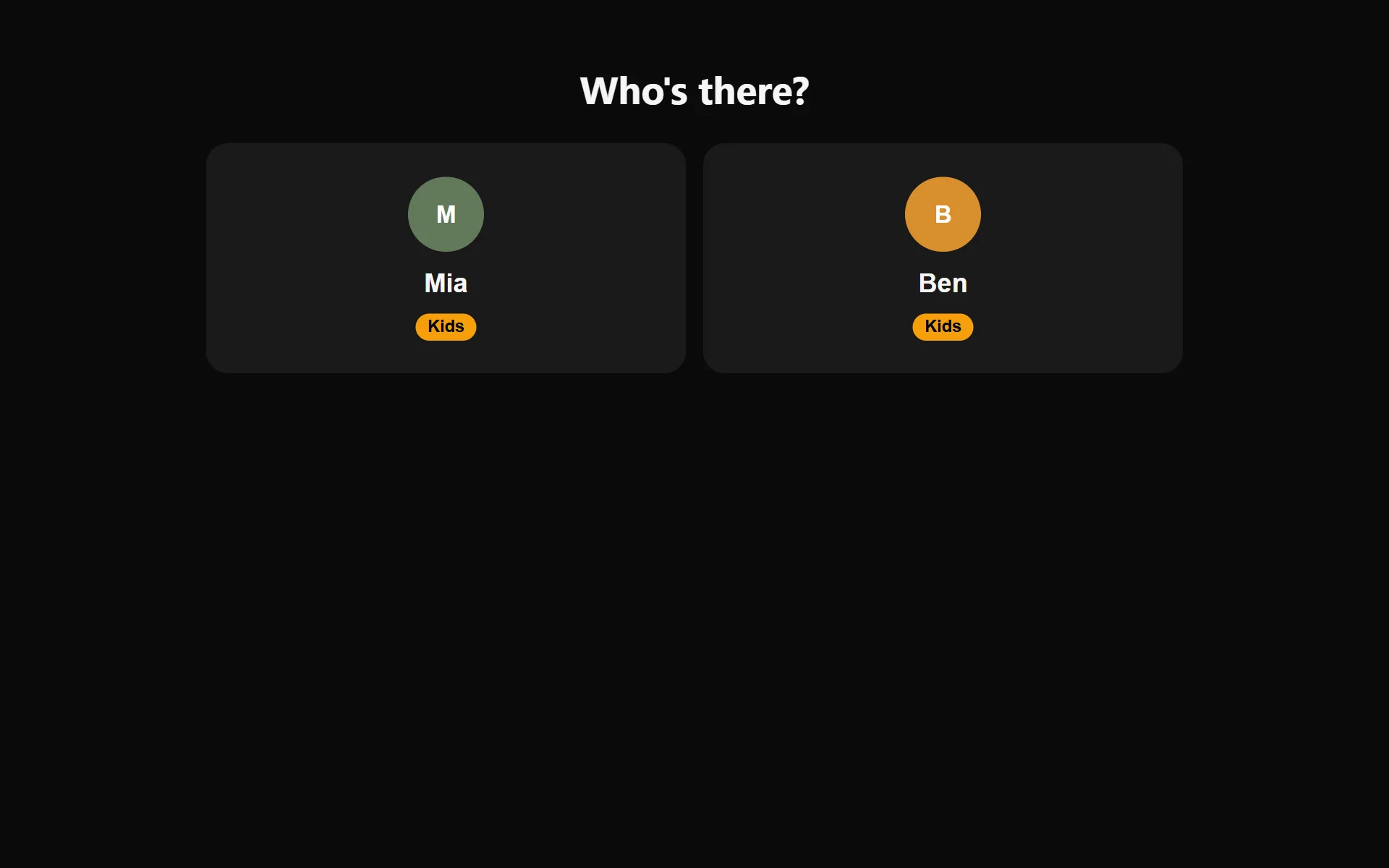
Who's listening tonight?
Storytablet Go only ever lists the children's profiles. There's no grown-up profile to tap into by accident, no settings and no apps to wander off into.
A grown-up adds and manages the kids' profiles from the Storytablet app on their phone.
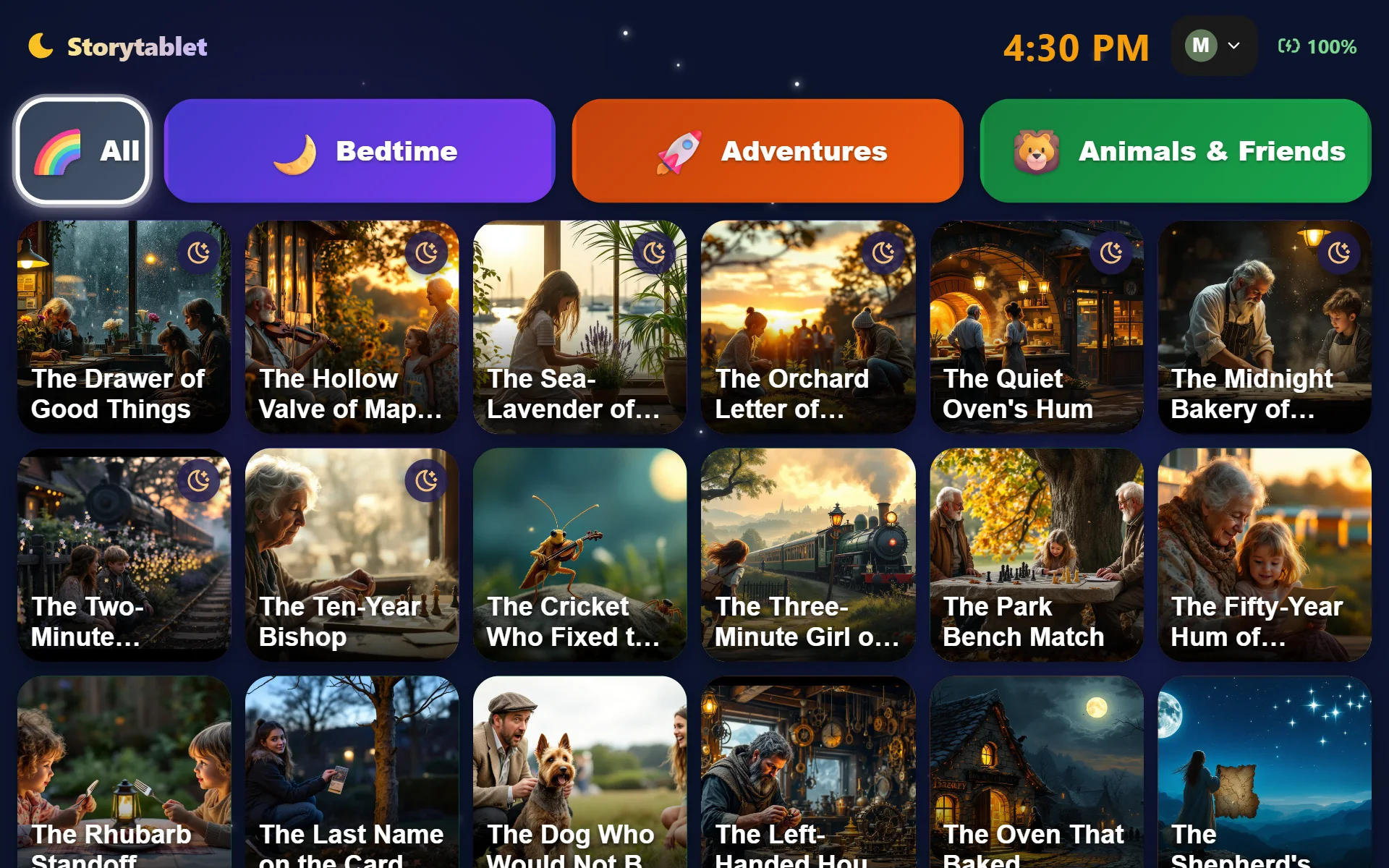
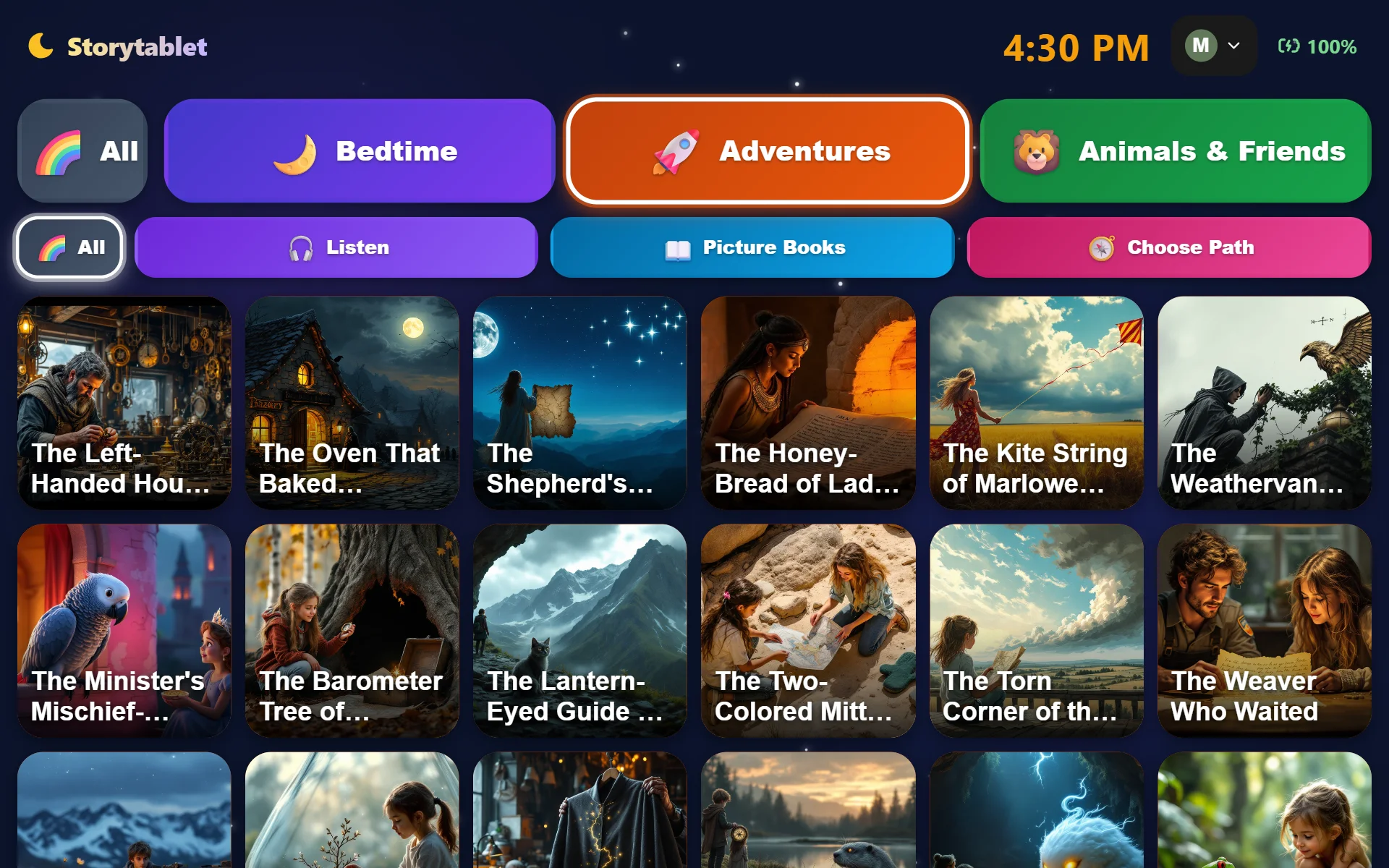
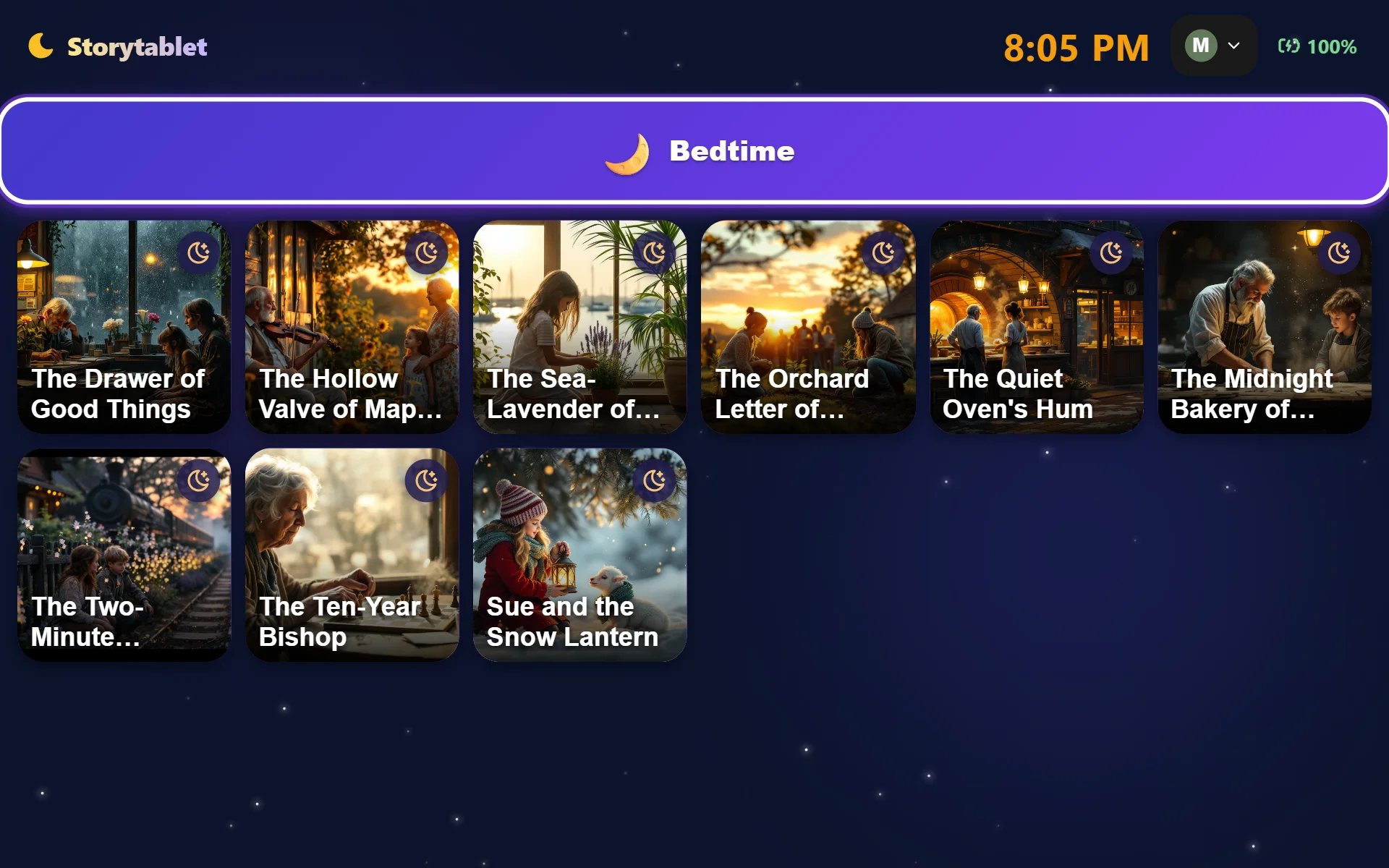
Each child sees only stories meant for their age group.
These are real screens from Storytablet Go, with sample stories. Profile names are examples. Arrow keys work too.
Ready for their bedtime?
Choose Storytablet Go and it ships straight to your door.